1
The whole app runs in your tab
Same engine as the desktop app. Same detection models. No uploads.
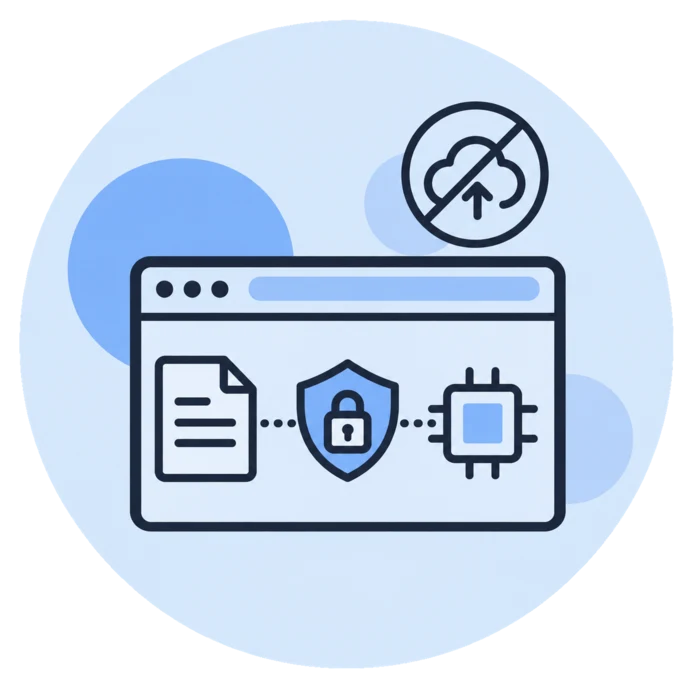
When you open app.piixie.ai, your browser downloads Piixie's engine, the same code as the desktop app built for the web, and the first time, a detection model. Both are kept in your browser's storage and reused from then on.
When you drop a document, it is read, analyzed and rewritten right there, in the tab. The anonymized copy is saved to your computer like any other download.
Your documents, their text and what Piixie finds in them stay in the tab. app.piixie.ai only knows who you are once you sign in, to give you your plan.
How it works
- Open app.piixie.ai -- The first time, the engine and the Lite model download (about 600 MB, once).
- Drop your files -- PDF, Word, Excel, CSV and text, as in the desktop app.
- Detection on your device -- Lite (rules plus a compact AI model) runs in every modern browser. With WebGPU and a recent graphics card, the Local LLM (Small) is offered too.
- Review in the editor -- It opens in a new tab: check every entry, switch methods, blur images.
- Download the safe copy -- The original is never modified.
Check it yourself
- Open your browser's developer tools (F12), go to the Network tab and anonymize a document: no request carries your file.
- The page's security policy only lets it talk to app.piixie.ai itself, which serves the app and its models.
- The one exception is Piixie Cloud, the optional pay-per-document service: it sends a document's text and images to our servers, and only when you choose it.