Deployment topologies for every security posture.

Piixie runs on Mac, Windows, and Linux. Choose the topology that fits your infrastructure: fully offline on a single machine, shared across a team on a local server, connected to a public LLM with local pre-anonymization, or wired into your own cloud LLM. Your data, your rules.

1

Standalone Desktop (Fully Offline)

Zero network. Zero cloud. Everything on your machine.

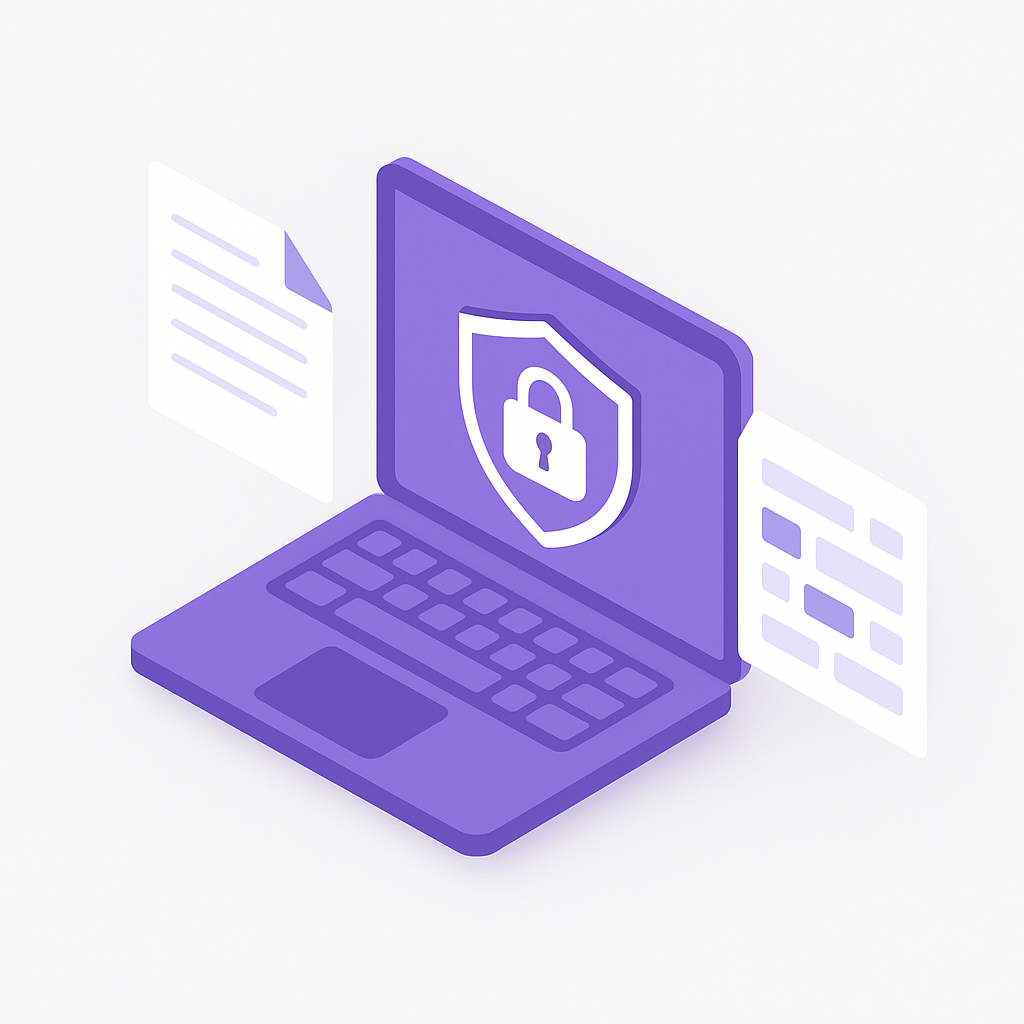
The simplest and most private deployment option. Piixie Desktop ships with a bundled local LLM that handles all PII detection and anonymization directly on the user's machine. No internet connection is required at any point in the pipeline -- not for installation, not for model downloads after initial setup, and not for processing documents.

This topology is ideal for air-gapped environments, classified document handling, individual practitioners working with sensitive client data, and any situation where data must never leave the device. The bundled LLM is optimized for PII detection and runs efficiently on consumer hardware, including laptops without dedicated GPUs.
How it works

  1. Load document -- Drag a PDF, DOCX, spreadsheet, image, or any supported file into Piixie Desktop.
  2. Local LLM analysis -- The bundled model scans extracted text for names, addresses, phone numbers, emails, account numbers, medical record numbers, and dozens of other PII categories.
  3. Choose anonymization mode -- Redact (black out), replace (placeholder tokens), or synthesize (realistic fake data via local Faker engine).
  4. Export safe copy -- The anonymized document is saved locally. The original is never modified.

Best for

  • Government and defense agencies operating on air-gapped networks
  • Solo practitioners (lawyers, doctors, accountants) handling client files
  • Compliance officers who need to guarantee zero external data transmission
  • Field workers in locations with no reliable internet access
sequenceDiagram
    actor User
    participant PD as Piixie Desktop
    participant LLM as Local LLM (Bundled)
    participant Out as Anonymized Output

    User->>PD: Load sensitive document
    PD->>PD: Extract text and structure
    PD->>LLM: Analyze for PII entities
    LLM-->>PD: PII locations and categories
    PD->>PD: Apply anonymization mode (Redact / Replace / Synthesize)
    PD->>Out: Generate safe copy
    Out-->>User: Download anonymized document
    Note over User,Out: No network traffic at any point
                
2

On-Premise Server

Shared team server on your local network. Nothing leaves the building.

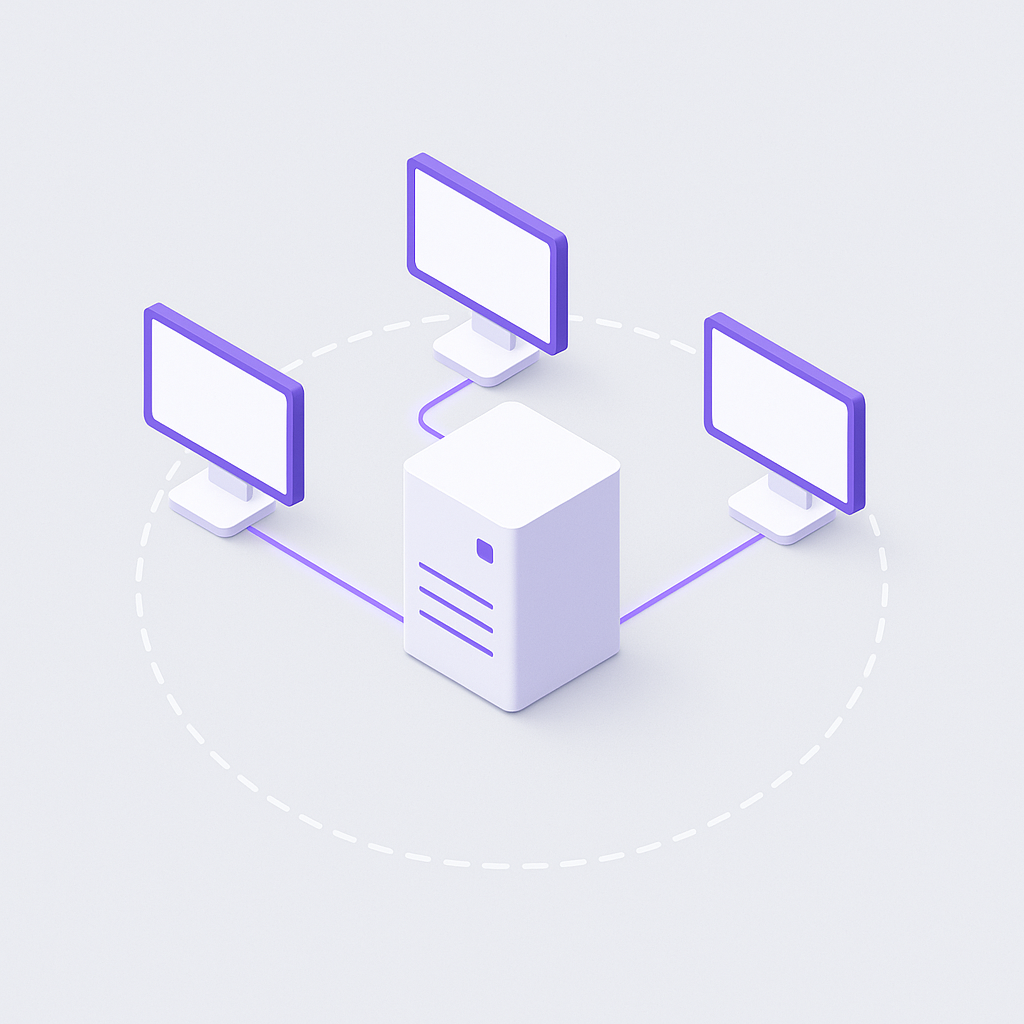
For teams that need centralized anonymization without relying on any external service, Piixie Server runs on a dedicated machine within your local network. Workstations submit documents over the LAN, the server processes them through its local LLM, and returns anonymized results. All traffic stays inside your network perimeter.

This topology is designed for teams of 5 to 500+ who process high volumes of sensitive documents daily. The server handles the computationally intensive LLM inference, which means individual workstations do not need powerful hardware. A single well-provisioned server (with a GPU or high-end CPU) can serve dozens of concurrent users.

How it works

  1. Workstations connect -- Team members access Piixie through a lightweight desktop client or the REST API. The client discovers the server automatically on the local network or is pointed to it by configuration.
  2. Document submission -- Files are transmitted to the Piixie Server over an encrypted LAN connection. No data ever routes through the internet.
  3. Server-side processing -- The server runs the LLM, detects PII, and applies the chosen anonymization mode.
  4. Results returned -- Anonymized documents are sent back to the originating workstation. The server can be configured to retain or discard originals based on policy.

Best for

  • Hospital systems and healthcare networks processing patient records at scale
  • Law firms with shared document review workflows
  • Financial institutions that require centralized audit logging
  • Enterprise teams that want to offload LLM inference from individual machines
sequenceDiagram
    participant WA as Workstation A
    participant WB as Workstation B
    participant WC as Workstation C
    participant PS as Piixie Server
    participant LLM as Local LLM (Server)

    WA->>PS: Submit document via LAN
    WB->>PS: Submit document via LAN
    WC->>PS: Submit document via LAN
    PS->>LLM: Batch PII detection
    LLM-->>PS: PII entities identified
    PS->>PS: Apply anonymization modes
    PS-->>WA: Return anonymized copy
    PS-->>WB: Return anonymized copy
    PS-->>WC: Return anonymized copy
    Note over WA,LLM: All traffic stays on the local network
                
3

Public LLM Connection (Safe Proxy)

Anonymize locally first, then safely leverage cloud LLM power.

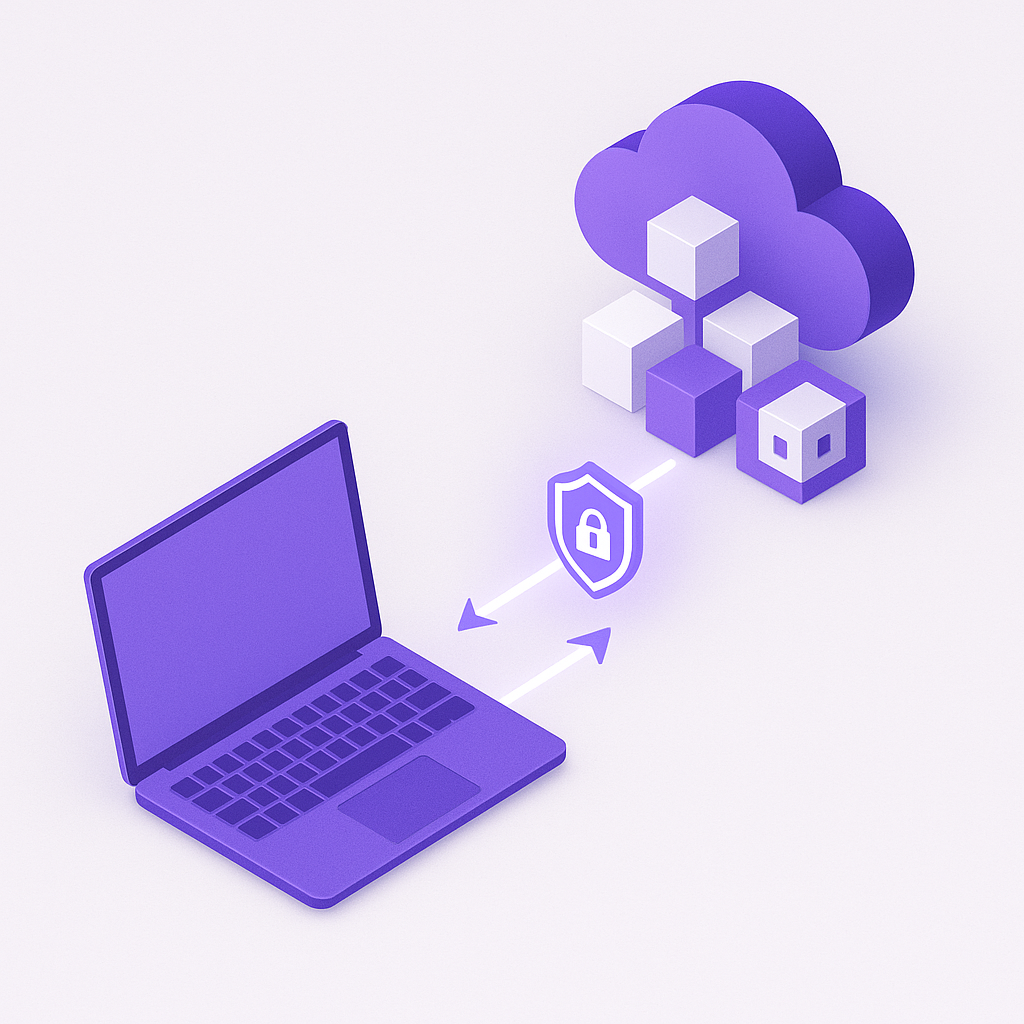
Sometimes you want the power of a frontier model like GPT-4 or Claude for downstream tasks -- summarization, translation, analysis -- but you cannot send raw PII to a third-party API. This topology solves that problem. Piixie runs its full anonymization pipeline locally before any data is transmitted, then sends only the sanitized version to the cloud LLM.

The critical guarantee: raw data never reaches the cloud. The cloud LLM only ever sees anonymized content -- blacked-out blocks, placeholder tokens like [PERSON_1], or synthetic fake data. The original PII stays on your machine at all times. This lets your team leverage the best available models for tasks that benefit from large-scale intelligence while maintaining strict data privacy.

How it works

  1. Local PII detection -- Piixie's bundled LLM scans the document and identifies all sensitive entities.
  2. Local anonymization -- PII is redacted, replaced with tokens, or substituted with synthetic data. This happens entirely on your machine.
  3. Safe copy created -- A sanitized version of the document is produced. This version contains zero real PII.
  4. Cloud LLM interaction -- The safe copy is sent to OpenAI, Anthropic, or another public LLM API for downstream processing (summarization, classification, Q&A, etc.).
  5. Results returned -- The cloud LLM's response references only anonymized entities. You can optionally re-map tokens back to originals locally.

Best for

  • Teams that need frontier model capabilities (GPT-4, Claude, Gemini) without PII exposure
  • Research organizations preparing datasets for cloud-based analysis
  • Companies building AI workflows where privacy must be guaranteed at the prompt level
  • Developers integrating Piixie into LLM-powered application pipelines
sequenceDiagram
    actor User
    participant PD as Piixie Desktop
    participant LLM as Local LLM
    participant Anon as Anonymization Engine
    participant Cloud as Cloud LLM (OpenAI / Anthropic)

    User->>PD: Load sensitive document
    PD->>LLM: Detect PII locally
    LLM-->>PD: PII map
    PD->>Anon: Redact / Replace / Synthesize
    Anon-->>PD: Safe copy (zero real PII)
    Note over PD,Cloud: Only the safe copy crosses the network
    PD->>Cloud: Send anonymized content
    Cloud-->>PD: LLM response (references anonymized entities only)
    PD-->>User: Results with optional local re-mapping
    Note over User,Cloud: Raw PII never leaves the local machine
                
4

BYO LLM (Bedrock / Azure / Custom)

Full control over the model, the infrastructure, and the data path.

For organizations that have already invested in their own LLM infrastructure, Piixie can connect to your models instead of using the bundled one. This includes AWS Bedrock, Azure OpenAI Service, self-hosted models on dedicated GPU clusters, or any OpenAI-compatible API endpoint. You control the model, the hardware, and the network path.

This topology gives enterprises the ability to standardize on a single LLM platform across all internal tools. Your security team approves the model once, your infrastructure team manages the deployment, and Piixie plugs in as a client. Because Piixie still handles all document parsing, PII mapping, and anonymization logic locally, the external LLM is only used for enhanced detection -- and even that step can be configured to send only text fragments rather than full documents.

How it works

  1. Configure LLM endpoint -- Point Piixie at your Bedrock instance, Azure OpenAI deployment, Ollama server, or custom endpoint. Authentication is handled via API keys, IAM roles, or managed identity.
  2. Document processing -- Piixie extracts and pre-processes the document locally.
  3. LLM-assisted detection -- Text fragments are sent to your LLM for PII detection. The data path goes through your infrastructure, governed by your network policies and encryption.
  4. Local anonymization -- All masking, token replacement, and synthetic data generation happens on the local machine or Piixie Server.
  5. Export safe copy -- The anonymized document is saved. Audit logs can be sent to your SIEM or logging platform.

Supported LLM platforms

  • AWS Bedrock -- Claude, Llama, Titan, and other foundation models via your AWS account
  • Azure OpenAI Service -- GPT-4, GPT-4o, and other models deployed in your Azure tenant
  • Ollama -- Self-hosted open-weight models (Llama, Mistral, Phi, Qwen) on your own hardware
  • Custom endpoints -- Any service exposing an OpenAI-compatible chat completions API

Best for

  • Enterprises with existing LLM infrastructure they want to reuse
  • Organizations with strict vendor and model approval processes
  • Teams that need specific models tuned for their domain (medical, legal, financial)
  • Multi-cloud environments where data must stay within a specific cloud provider
sequenceDiagram
    actor User
    participant PD as Piixie Desktop
    participant YLLM as Your LLM (Bedrock / Azure / Custom)
    participant Anon as Anonymization Engine

    User->>PD: Load document
    PD->>PD: Extract and pre-process locally
    PD->>YLLM: Send text fragments for PII detection
    Note over PD,YLLM: Data travels through YOUR infrastructure
    YLLM-->>PD: PII entities and confidence scores
    PD->>Anon: Apply anonymization mode locally
    Anon-->>PD: Safe copy generated
    PD-->>User: Anonymized document ready
    Note over User,YLLM: You control the model, the network, and the data path
                
At a Glance

All four topologies, side by side.

Every option keeps the anonymization logic local. The difference is where the LLM inference happens and how data flows between components.

graph TB
  subgraph "1. Standalone Desktop"
    A1["User's Machine"] --> B1["Piixie Desktop"]
    B1 --> C1["Bundled Local LLM"]
    C1 --> D1["Anonymized Output"]
  end
  subgraph "2. On-Premise Server"
    A2["Team Workstations"] --> B2["Piixie Server (LAN)"]
    B2 --> C2["Server-hosted LLM"]
    C2 --> D2["Anonymized Output"]
  end
  subgraph "3. Public LLM (Safe Proxy)"
    A3["User's Machine"] --> B3["Piixie Desktop"]
    B3 --> C3["Local Anonymization"]
    C3 --> D3["Safe Copy Only"]
    D3 --> E3["Cloud LLM (OpenAI / Anthropic)"]
  end
  subgraph "4. BYO LLM"
    A4["User's Machine"] --> B4["Piixie Desktop"]
    B4 --> C4["Your LLM (Bedrock / Azure / Custom)"]
    C4 --> D4["Anonymized Output"]
  end
            

When to choose Standalone

You need absolute isolation. Air-gapped networks, classified documents, or solo practitioners who want the simplest setup. Install Piixie, process files, done. No server, no accounts, no network.

When to choose On-Premise Server

Your team processes documents at volume and you want centralized control. One powerful server handles the LLM workload so individual workstations stay lightweight. Audit logs, user management, and REST API access come built in.

When to choose Public LLM Connection

You want frontier model capabilities for downstream tasks but cannot send raw PII to the cloud. Piixie anonymizes locally first, so the cloud LLM only ever sees sanitized content. Best of both worlds.

When to choose BYO LLM

Your organization already runs its own LLM infrastructure and you want Piixie to plug into it. Standardize on one model platform, maintain full control over the data path, and satisfy your security team's vendor approval process.

Ready to deploy Piixie in your environment?

Start with the free desktop app. Scale to server mode or connect your own LLM when you need to.

Download Piixie